Your audio,
bound beautifully.
Play the audiobooks, lectures and recordings you already own, on iPhone, iPad and Mac. See every file as a waveform, jump by chapter, and bookmark the moments that matter.
This section is a track. Press play.
Each marker is a chapter about WaveFolio. Tap one to jump there, or let it play through.
Nine short chapters about WaveFolio. Swipe the screen or use the arrows to move between them, or press play.
See the whole file
Each file is drawn as a waveform once and cached. Spot the quiet intro, the long pause and the place you stopped, then tap to go there.
One app for every screen you listen on.
One download covers all three. On iPhone, the whole player in one hand. On iPad, three columns over a transport bar, upright or sideways. On Mac, a library window with a sortable table and an inspector.
Great on iPhone Duo.
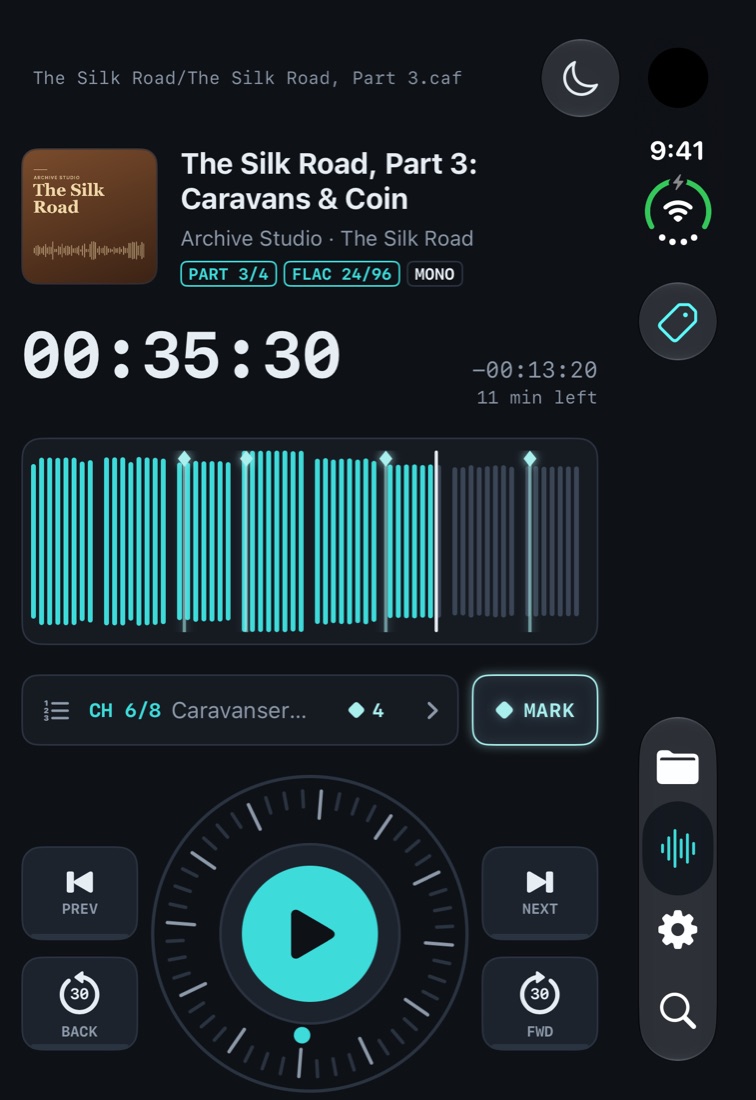
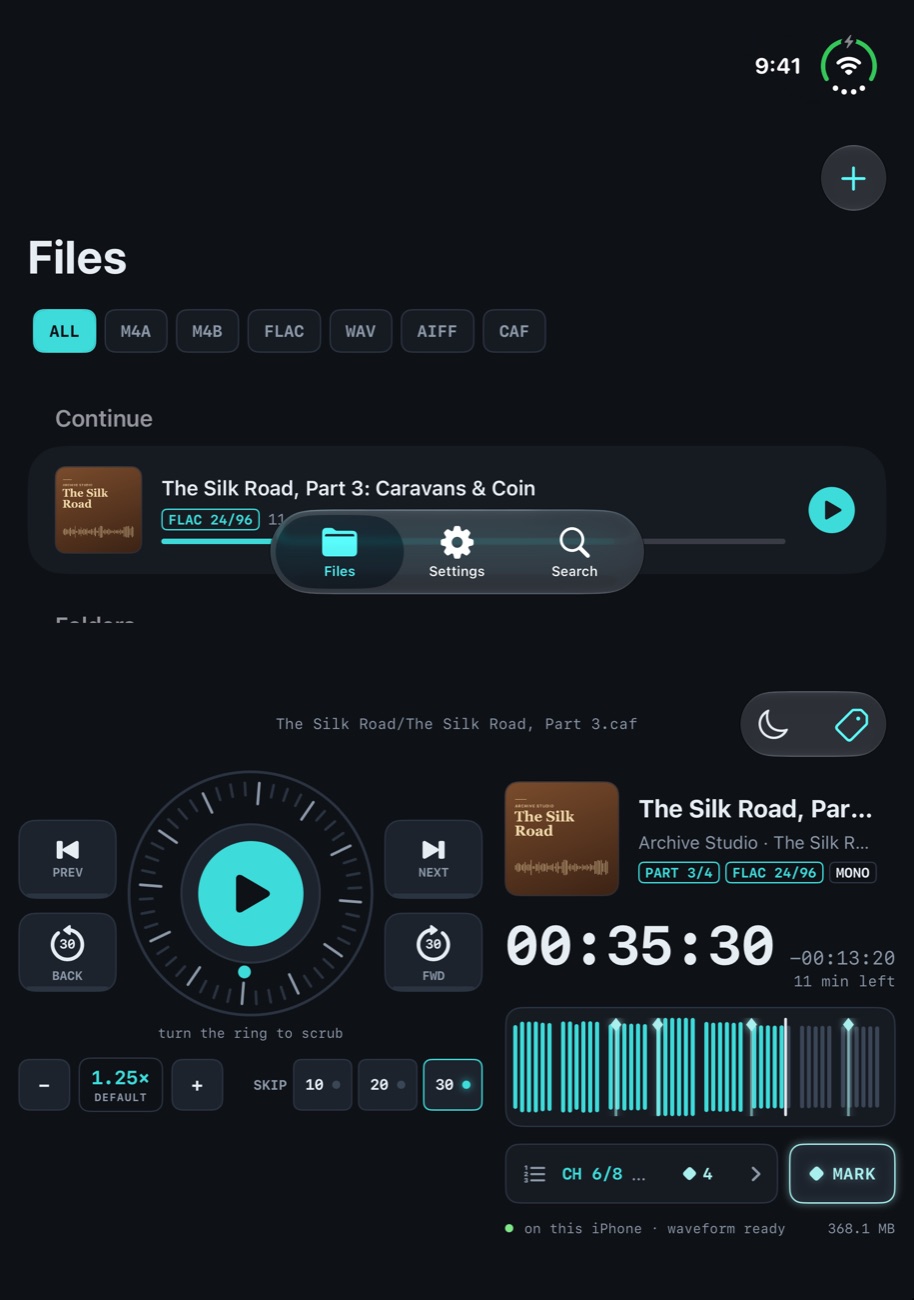
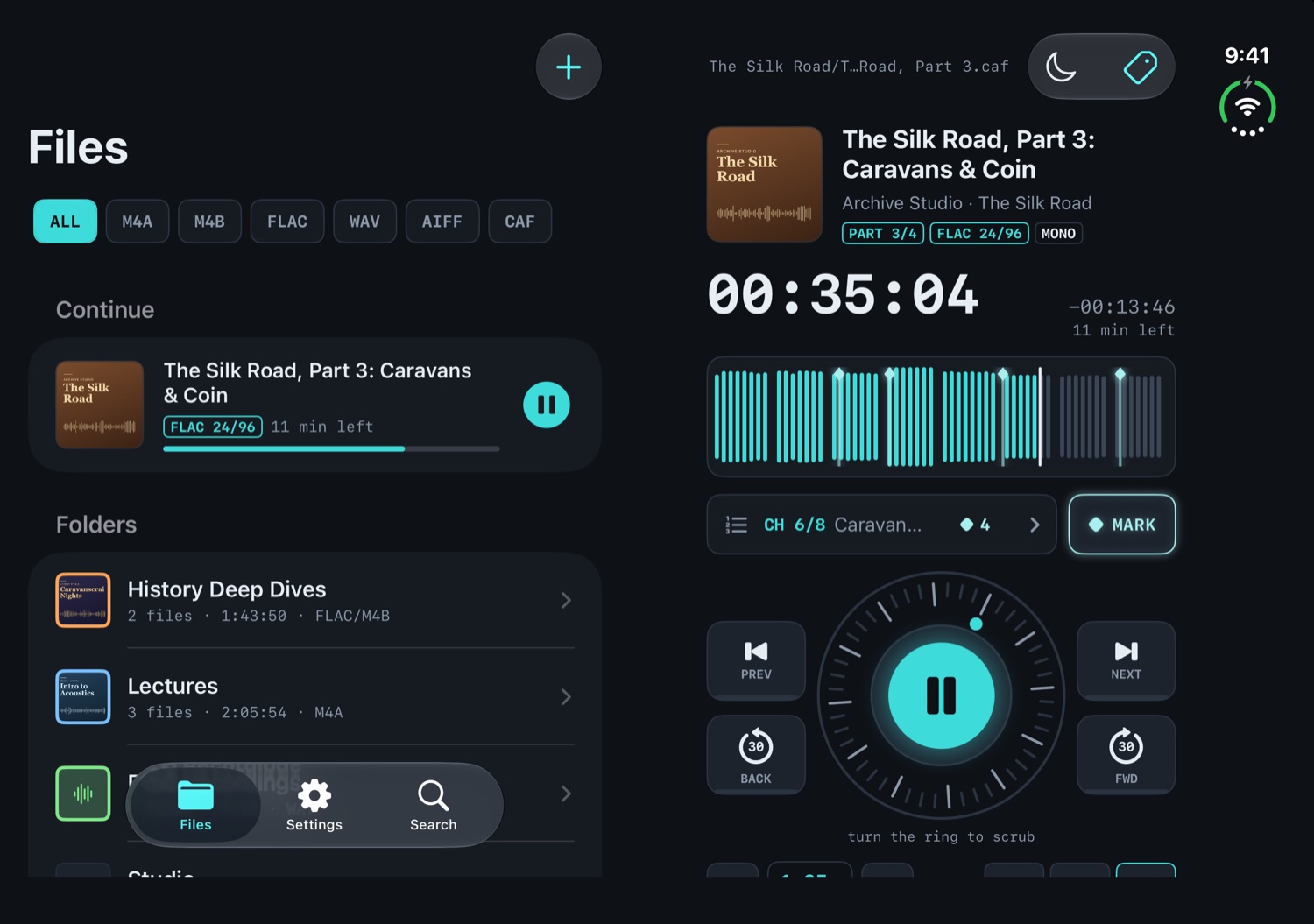
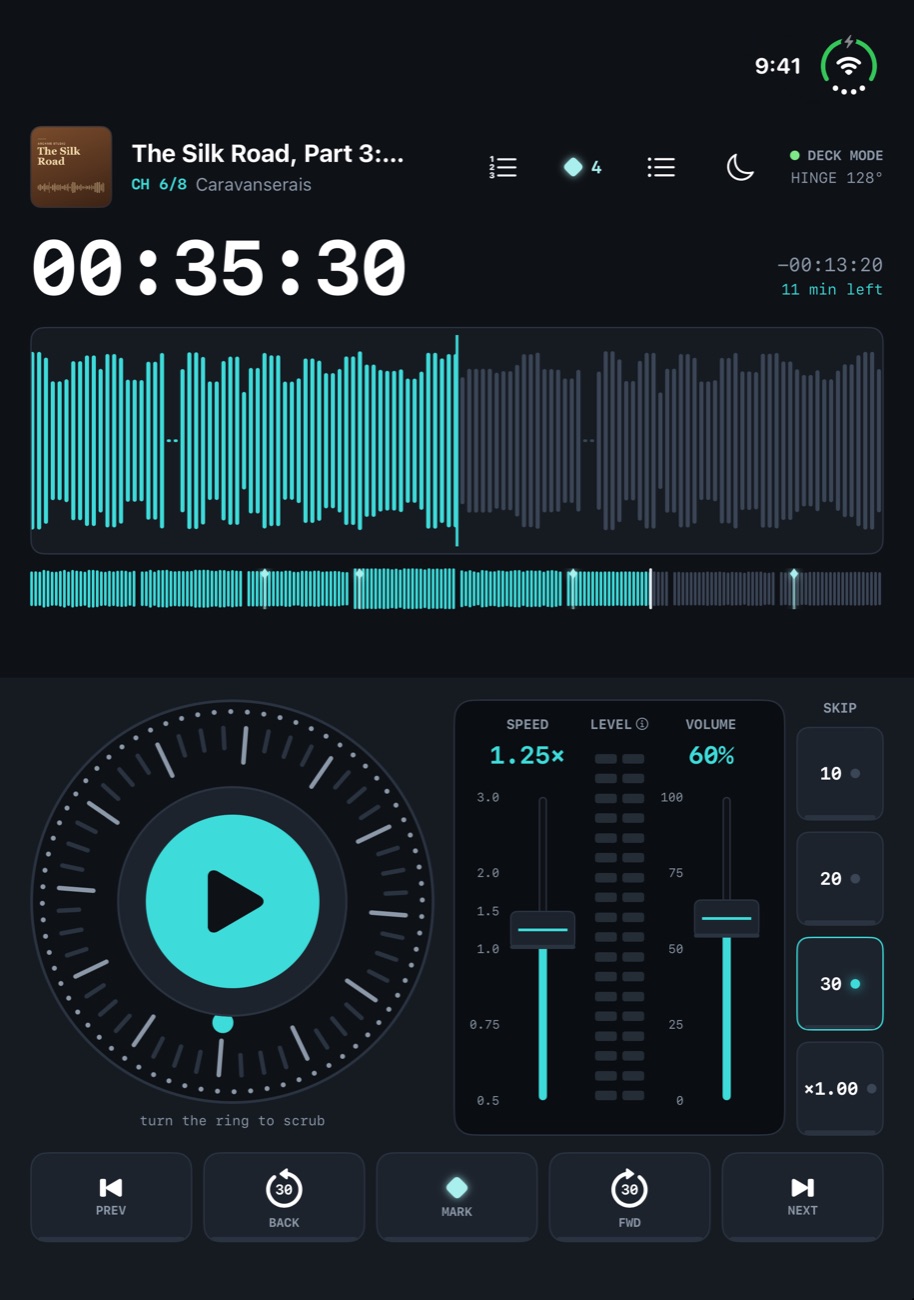
On iPhone Duo, WaveFolio changes shape with every fold: a compact player when it’s closed, two pages when it’s open, and a full deck when you prop it up like a laptop.
Up and listening in five steps.
Bring in your files
On Mac, drag in audio files or whole folders. On iPhone and iPad, tap + in WaveFolio’s Files tab and choose Import Audio…, and on iPad you can also drag in files or folders from other apps. You can also share a file to WaveFolio from Files, Mail or AirDrop, or on Mac drop it on the Dock icon. WaveFolio copies everything into its library, so it all plays offline, and importing a folder again brings in only what’s new.
Other projects in development from ariusvideo
 VibecabularyA menu bar glossary for anything you’re learningMAC · COMING SOON
Click the {v} in the menu bar, or press ⌥⌘G, and start typing. Matches appear as you type; open one to read the definition. Bring your own glossary in JSON, CSV or Markdown, or tap Make with AI… for a prompt that has any chatbot build one from your notes.
Colored tags · five themes · macOS 14 or later